
The Paraclette Manual
Everything you need to run real-time, AI-powered Bible verse detection and broadcast for your live church services — from first launch to advanced multi-campus production.
“For the word of God is alive and active.” — Hebrews 4:12
What is Paraclette?
Paraclette is a desktop application that listens to your live sermon, transcribes the speech in real time, automatically detects every Bible verse the preacher references — quoted directly or paraphrased — and displays it as a broadcast-ready overlay for your congregation.
No more scrambling to find the verse, type the reference, and build a slide while the preacher has already moved on. Paraclette keeps pace with the message so your screen always shows the right scripture at the right moment.
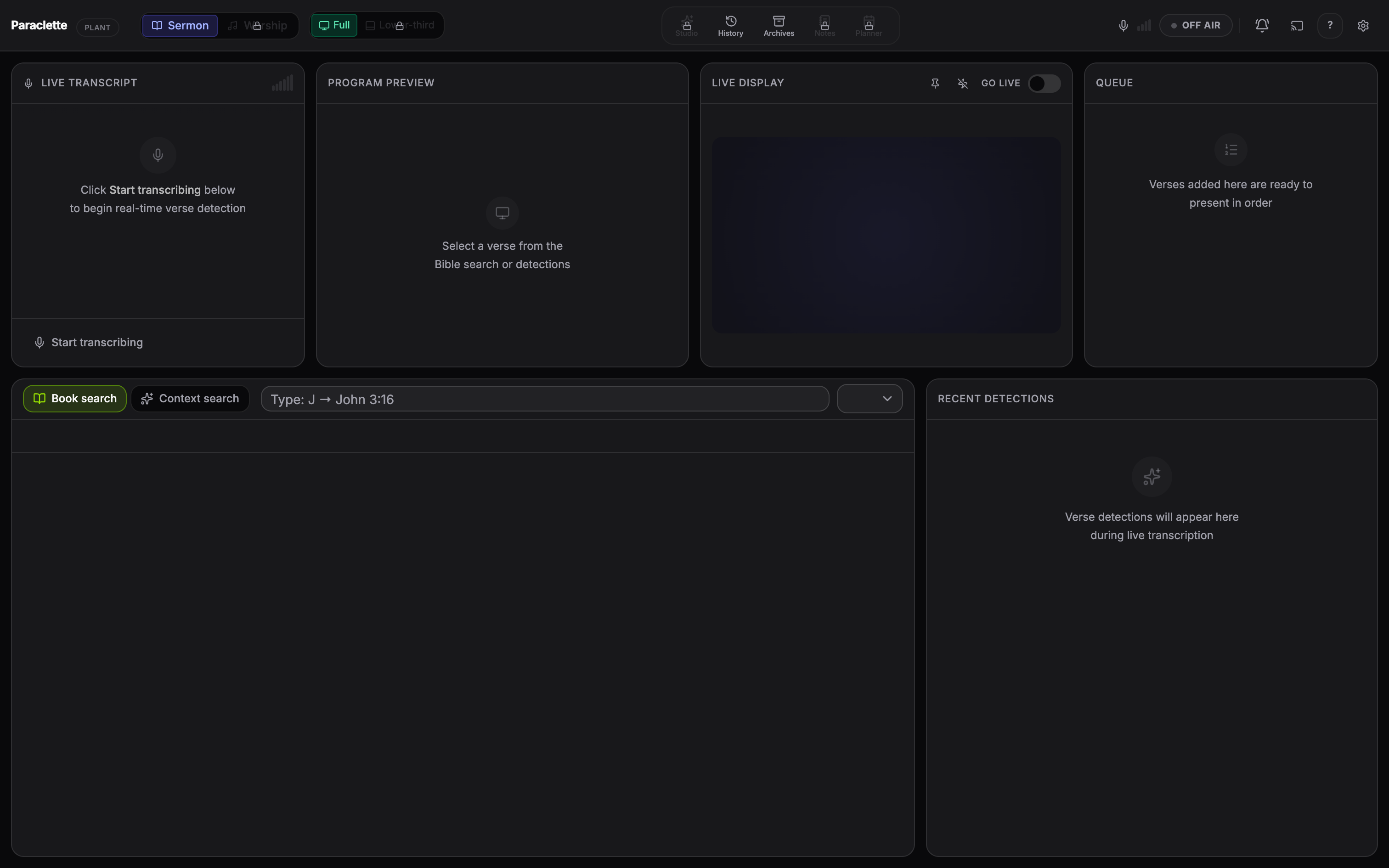
🎤 Hears the message
Real-time speech-to-text runs fully on your computer with Paraclette Local AI — no internet, no API key required.
📖 Finds the verse
AI detection catches explicit references (“John 3:16”) and paraphrased passages alike, scored by confidence.
📺 Shows it beautifully
Send verse overlays to a second screen, NDI, or your existing ProPresenter / vMix / OBS pipeline.
🎵 Runs worship too
Switch to Worship Mode for a full song & hymn library with lyric slides and lower-third captions.
Built for volunteers. Paraclette is designed so a first-time operator can run a service with almost no training. The colour-coded interface tells you what everything does at a glance.
How this manual is organised
- Getting Started — install Paraclette, complete first-run setup, and learn the interface.
- Running a Service — the full workflow for sermons and worship, broadcast output, voice control, and the remote.
- Tools & Configuration — workspace tools, Bible & speech options, settings, and shortcuts.
- Reference — plans & pricing, privacy, and troubleshooting.
Use the sidebar to jump anywhere, or follow the Next → links at the bottom of each page to read straight through.