The five launchers in the center of the transport bar open Paraclette’s productivity tools. The free tier includes History and Archives; the rest are part of paid plans.
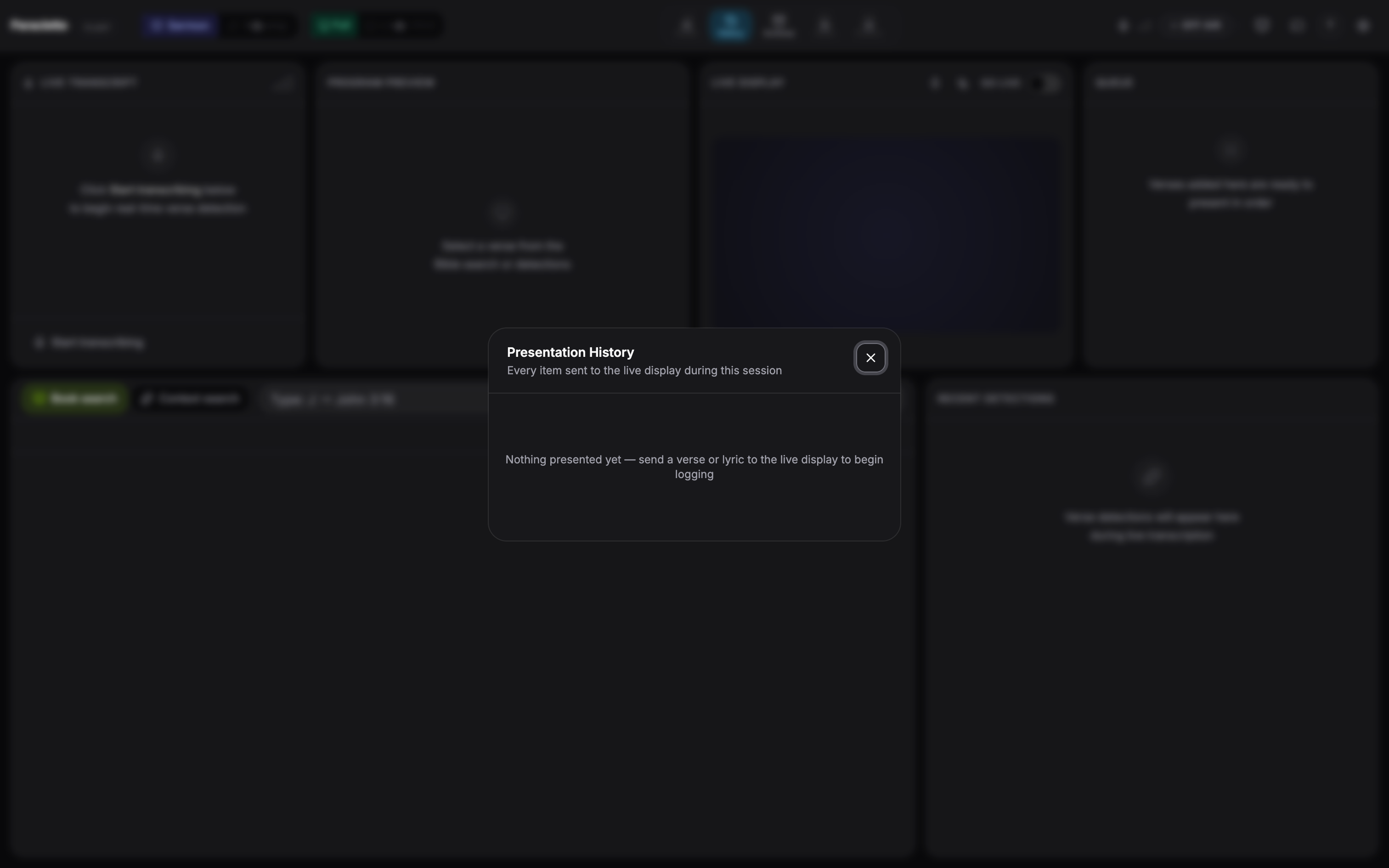
🕘 History
Every verse you’ve shown this session, ready to recall in a click.
🗄 Archives
Past service sessions — transcripts and detections — saved and searchable.
📓 Sermon Notes Sanctuary+
AI-generated sermon notes from the live transcript, exportable to PDF.
✨ Content Studio Sanctuary+
Turn the finished sermon into social posts, captions, and summaries with AI.
📅 Service Flow Planner Sanctuary+
Build the order of service — songs, scripture, points, custom slides — and run the whole service from the plan.
The History tool, opened from the transport-bar dock.
✦
Each dock launcher lights up in its own colour while its panel is open, so you can always tell at a glance what’s on screen.